
Suppliers & Deliveries
Plan supplier orders around upcoming demand.
Add the suppliers your hotel buys from and define the products, units, default quantities, and prices behind each relationship. In one order workspace, select one or several suppliers, choose only the products needed, and set the requested delivery date and time.
- Use stored quantities and prices, or replace them for this order.
- Search and select products across all chosen suppliers.
- Create a separate scheduled order for each selected supplier.
Build the buying relationship once
Keep each supplier’s normal products and terms ready to use.
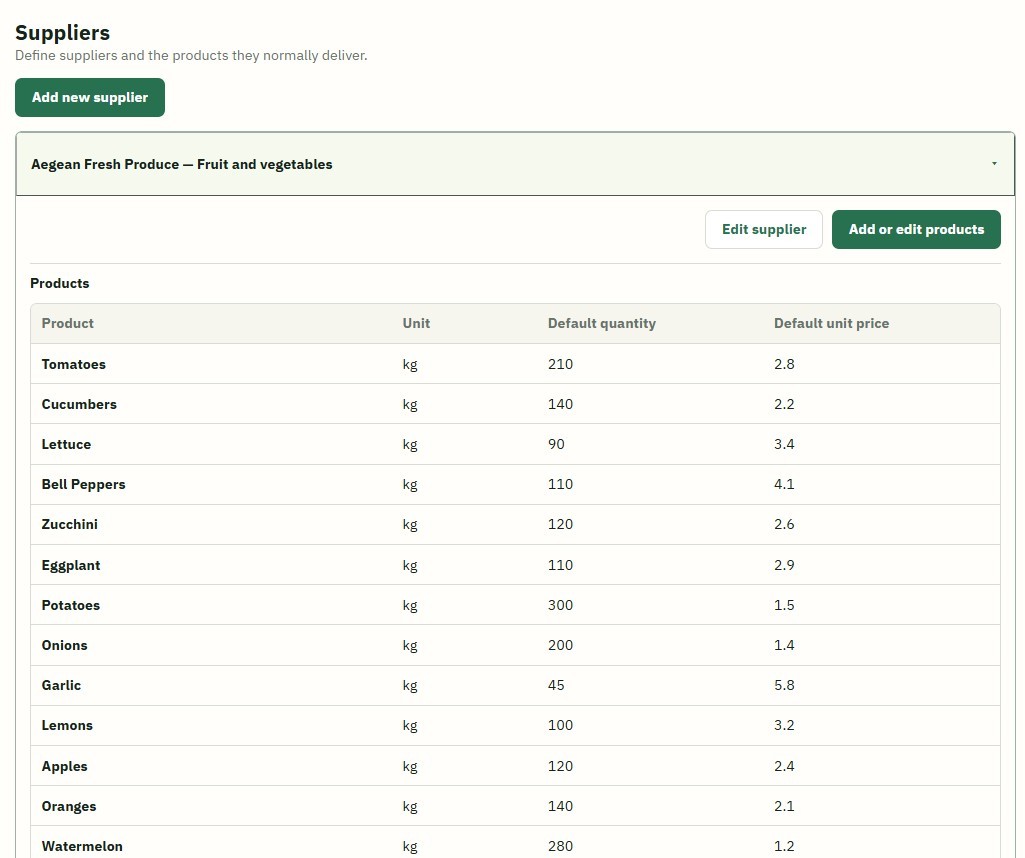
Create suppliers manually, then assign the hotel products they normally deliver. Each product keeps the measurement unit defined in the hotel catalog, while an optional default quantity and unit price can prefill future orders.
- Add and maintain every active supplier used by the hotel.
- Assign only the products available from that supplier.
- Store normal quantities and prices without locking a future order to them.
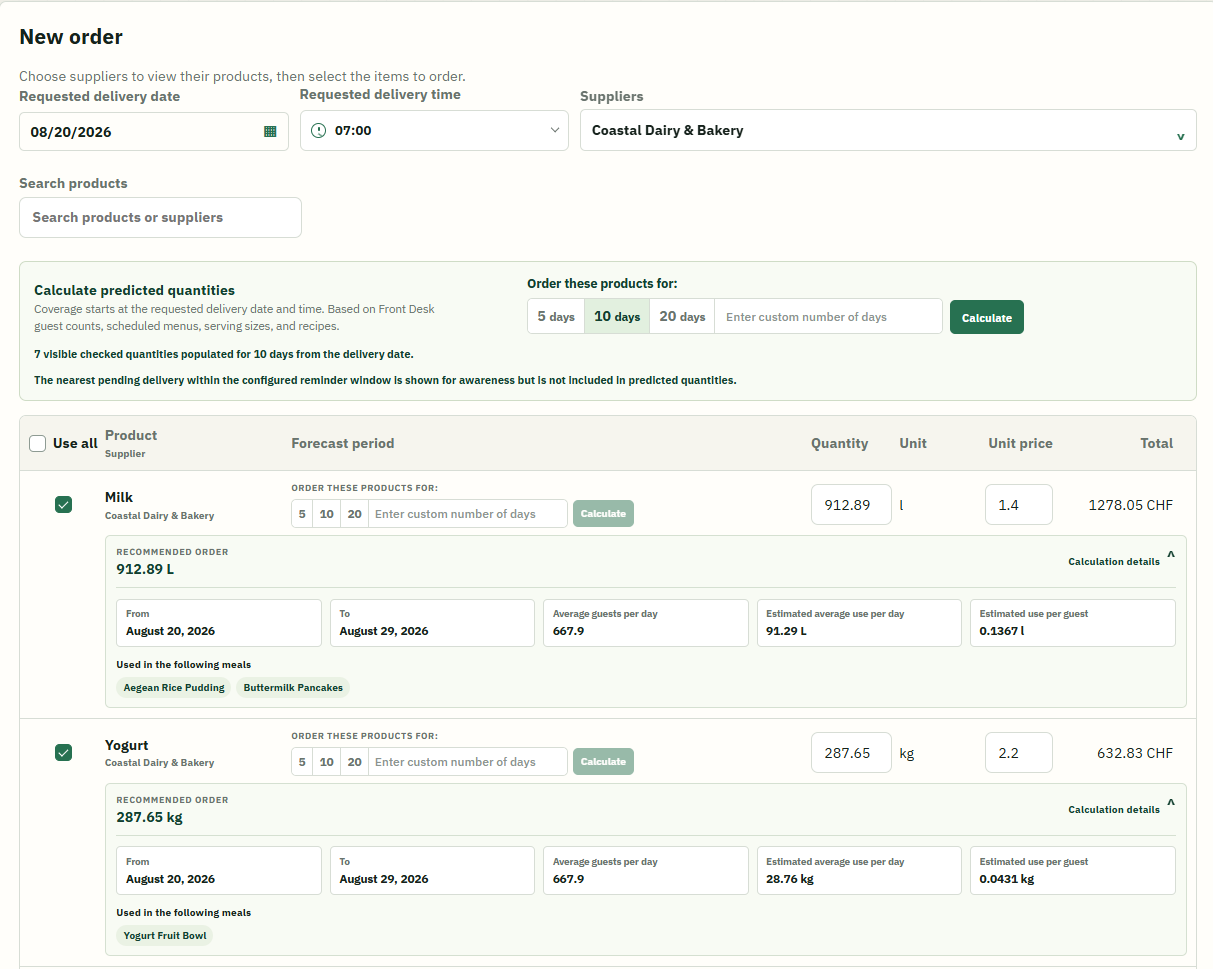
Planned-demand quantities
Calculate what upcoming services are expected to use.
Choose 5, 10, or 20 days—or enter a custom period—to turn upcoming service demand into editable suggested order quantities.
Populate the checked products together when they cover the same number of days. When one product follows a different purchasing cycle, choose its own 5, 10, 20, or custom-day period.
See supplier ordering in context
Move from planned service demand to a scheduled order.
Explore how supplier setup, guest forecasts, menu plans, purchasing, approvals, and inventory connect.
Book a demo